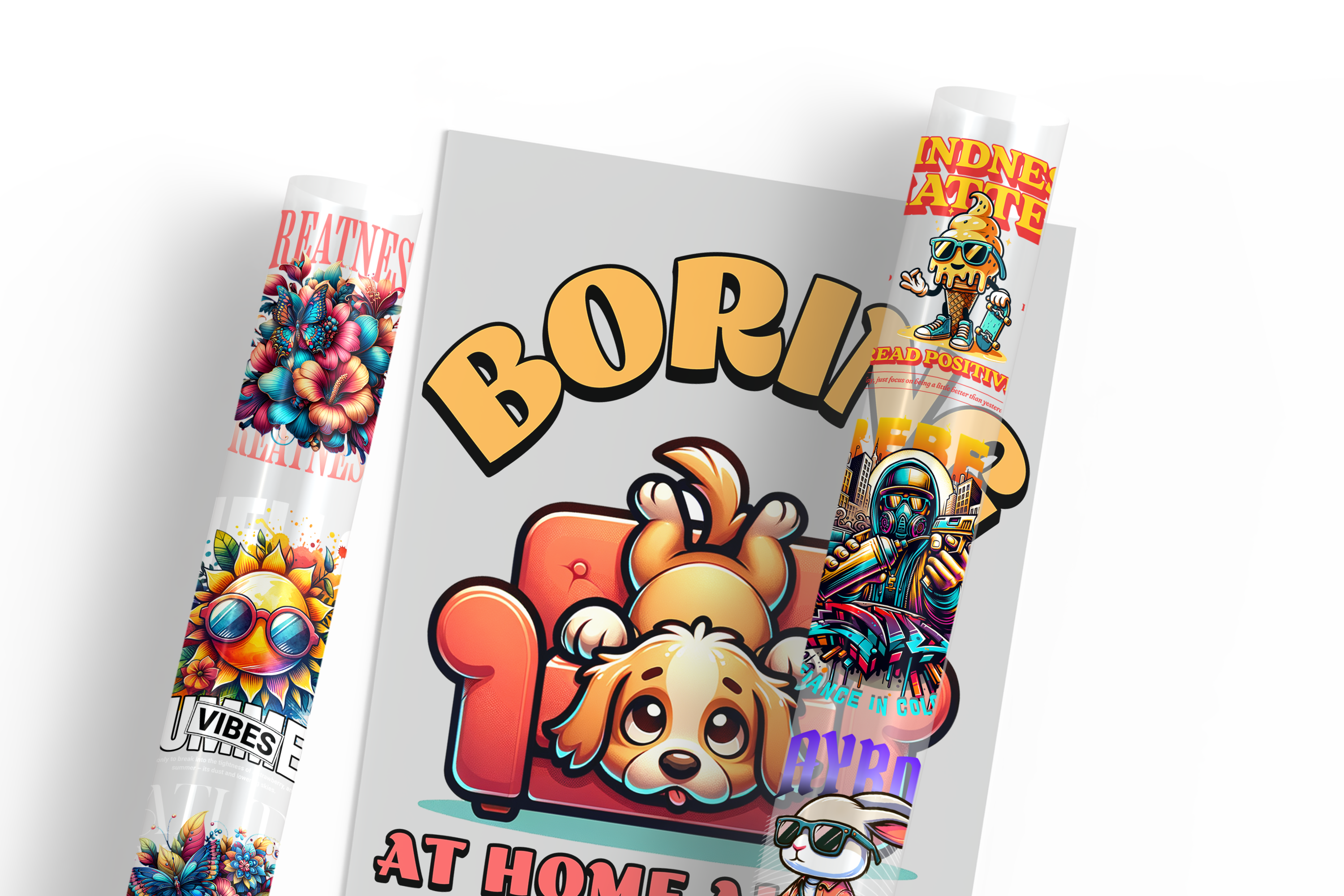

DTF Gang Sheet Builder for Custom Transfer Layouts
DTF Gang Sheet Builder helps apparel decorators arrange multiple logos, graphics, and repeated designs on one print-ready sheet. Custom Print AZ supports layouts for shirts, hoodies, uniforms, tote bags, teamwear, and event merchandise. Choose your sheet by reviewing final design sizes, quantities, spacing, artwork quality, fabric use, and pressing requirements.
How to Build an Efficient Gang Sheet
List every design size and required quantity before starting. Place larger graphics first, then fill unused space with smaller logos or repeated artwork. Keep each design at final dimensions and leave enough separation for cutting and handling. Upload high-resolution files with transparent backgrounds, sharp edges, readable text, and no unintended borders.
Use DTF transfers for compatible textiles when planning finished apparel. Print shops can compare DTF supplies for transfer production, while UV transfer options suit selected smooth, rigid products instead. Direct-to-film printing places artwork on film before heat application to suitable garments.
Common Questions About the DTF Gang Sheet Builder
What artwork should I upload?
Upload high-resolution artwork with transparent backgrounds, final dimensions, clean outlines, and readable details suitable for the intended print size.
How much spacing should designs have?
Leave practical space for cutting and handling, while avoiding overlaps, clipped edges, or artwork positioned too close together.
How do I choose a sheet size?
Choose the smallest available sheet that fits every design and quantity at final size without crowding the layout.
Need help with sheet selection, layout planning, bulk quantities, custom artwork, or application support?
Call (480) 250-4263, email info@customprintaz.com, or visit 3411 East Corona Avenue, Suite 108, Phoenix, AZ 85040.
DTF Gang Sheet Builder
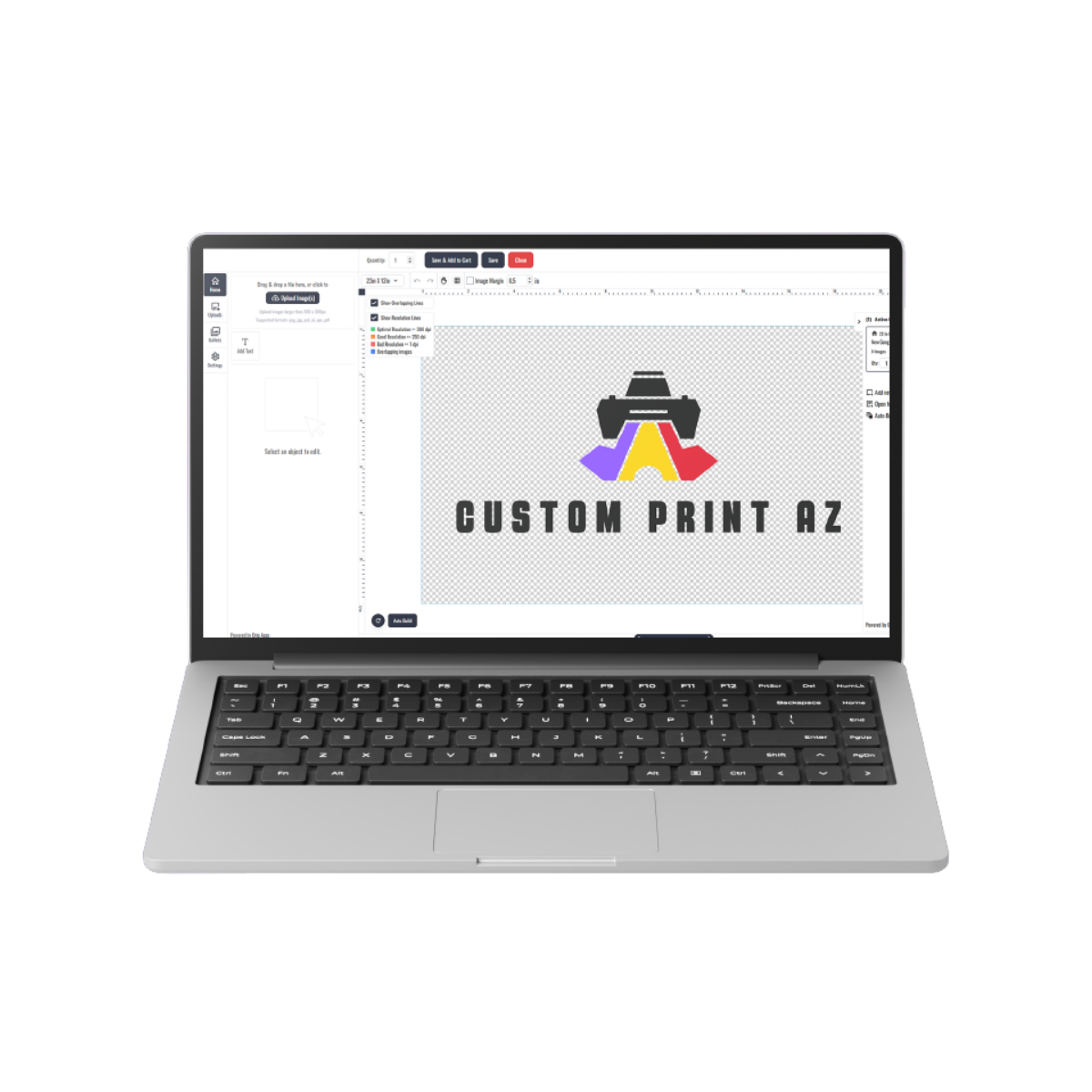

DTF - Build Gang Sheet
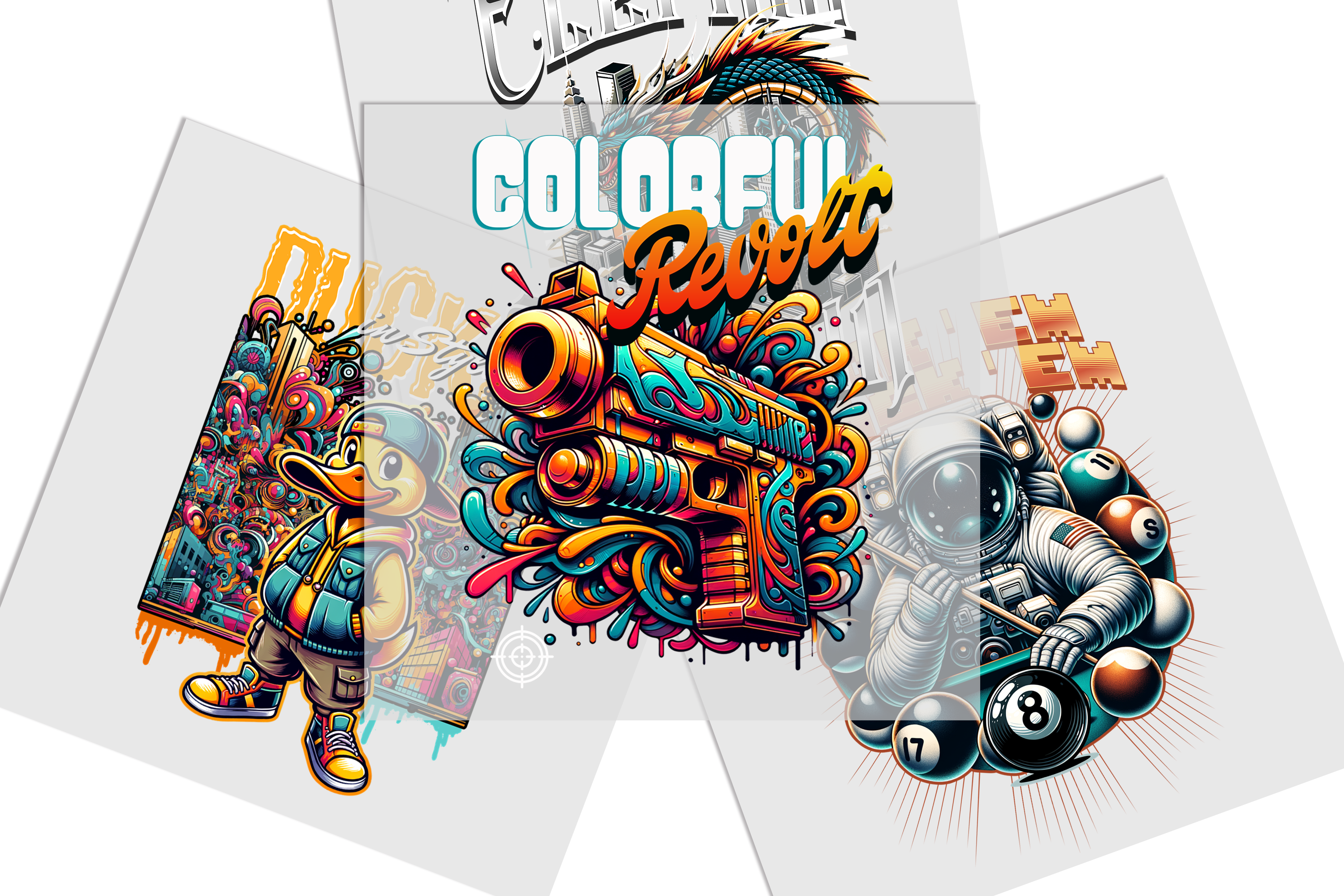

DTF - Transfers by Size